
What Shopify’s Winter ’26 Edition Means for Merchants
Written and edited by: Eric

Hey everyone, Eric Boisjoli here. Hope you survived the holiday rush and your inventory counts aren’t too terribly terrifying. ❄️
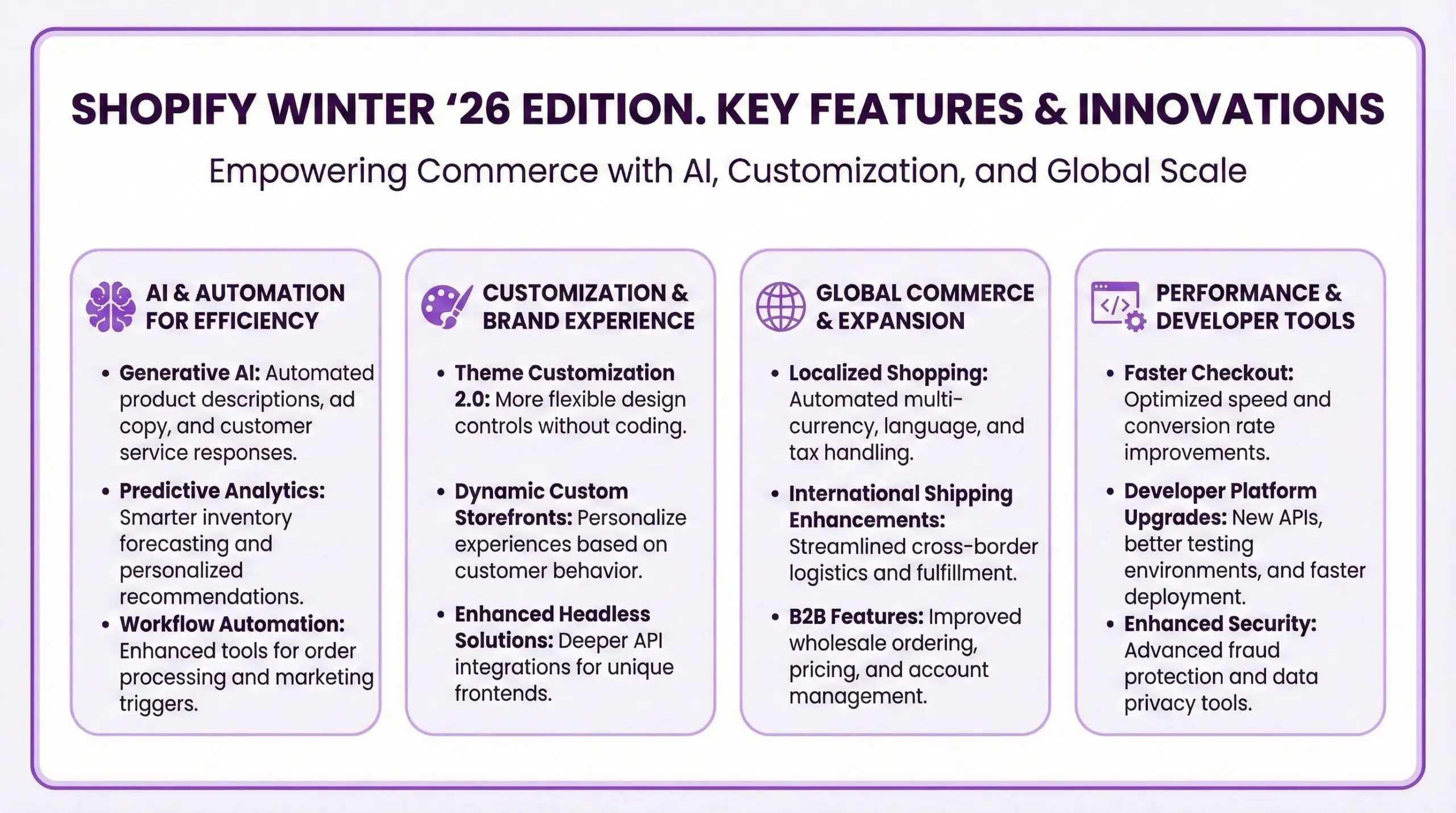
Ok Shopify dropped their Winter ’26 Edition back on December 17th, and as usual, there was kind of a lot to unpack. They’re calling this one the “Renaissance Edition,” which is a bit much, but whatever. The thing that matters is whether any of these 150+ updates actually help you run your store better. I’ve been digging through all the announcements, the documentation and what all the big agencies are saying.
So. I’ll be honest. I’m stereotypically Canadian, what else can I do? Some of this is genuinely useful for growing merchants. Some of it is enterprise-grade stuff you can safely ignore for now. And some of it is still in “coming soon” territory, which means we’ll see if it actually ships as promised. Let me do my best to walk you through what I think matters most if you’re a small-to-mid-sized merchant trying to scale.
What Every e-Commerce Merchant Should Know
Shopify really is betting hard on AI with Renaissance’s release. Like, betting really really hard. Like. Sidekick has gone from being a cool chatbot designed to answer fairly basic questions to a tool that can actually build automation tools, edit your theme, and even generate analytics reports. Whether it will work as smoothly in the world as all the demos suggest remains to be seen, but their ambitions are clear.
The other major theme is what Shopify calls “agentic commerce,” which is basically their play for selling products directly inside AI chat interfaces like Open AI’s Shopping GPT, Microsoft CoPilot, Google AI Mode and Perplexity’s Shopping Assistants. If that sounds futuristic, it is. But it’s also the direction things are heading, and Shopify wants to make sure that its online merchants are properly positioned for it.
For context, Shopify processed $14.6 billion in global sales during Black Friday Cyber Monday 2025, hitting $5.1 million in sales per minute at peak. So it’s safe to assume that they’re not in the mood to be messing around with their infrastructure. The question is always whether the new features are really ready for prime time or whether you will be beta testing someone else’s product roadmap.
Shopify’s ‘Getting’ Serious About Sidekick
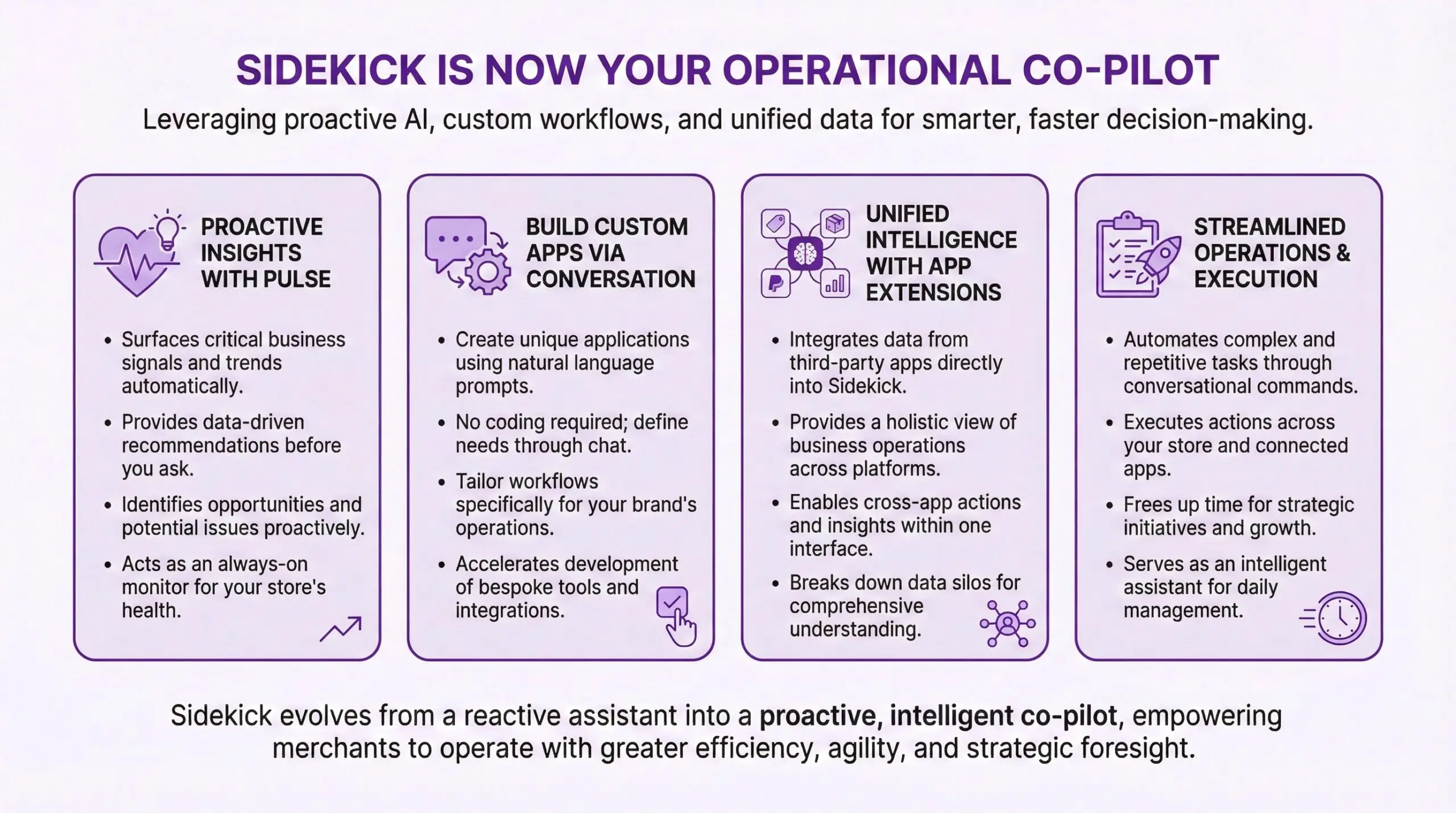
Now this … this one is arguably the biggest change for day-to-day Shopify store management. Sidekick has evolved from “helpful robot assistant” to something closer to a real “AI powered e-commerce enterprise coworker who can actually do a range of fairly useful things.”
What’s new and actually useful: Sidekick can now build Shopify Flow automations from plain language descriptions. You tell it “tag customers as VIP when they place an order over $200” and it creates the workflow. I’ve played with this a bit, and it works better than I expected for straightforward automations. The more complex your logic gets, the more you’ll want to review what it generates. But for basic workflows? This saves real time.
The theme editing capabilities are interesting. You can click on any element in the theme editor, ask Sidekick to make changes in natural language like “make this button rounded” or “add more padding here,” and it adjusts the settings. For merchants who aren’t comfortable digging into theme code, this lowers the barrier significantly.
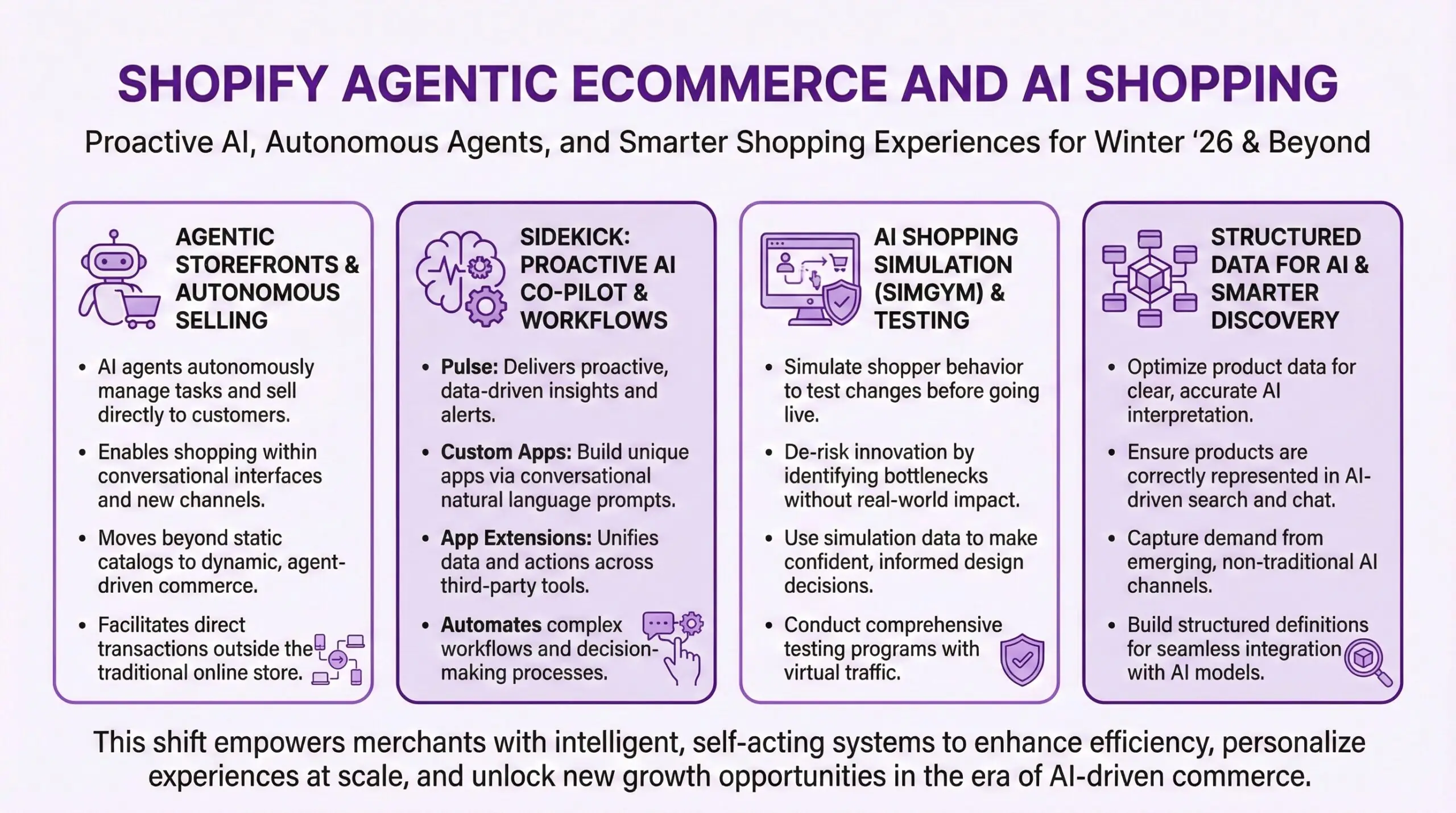
Sidekick Pulse is a new feature that proactively surfaces recommendations based on your store data and market trends. Think of it as a business advisor that notices things you might miss. Low inventory on bestsellers. Underperforming product descriptions. Opportunities for promotions. It’s essentially trying to anticipate what you need before you ask.
What’s still Plus-only or coming later: Custom app generation, where Sidekick builds mini apps for specific business needs like reorder tracking or B2B imports, is available but the results vary. Simple tools work fine. Anything complex still needs developer eyes on it. The Sidekick Skills feature lets you save, reuse, and share prompts with your team or the broader merchant community. Useful if you find yourself asking the same questions repeatedly.
This is real progress. I’ve been skeptical of AI assistants in commerce platforms because they usually just repackage help docs in conversational form. Sidekick is actually executing tasks now, which changes the value proposition. If you haven’t experimented with it recently, it’s worth another look.
Shop Pay and Improved Checkout Extensibility
Checkout is where money is won or lost. Shopify knows this, which is why they pour engineering resources into making it convert better than anything else on the market. The numbers they cite are worth knowing. According to a study by one of the Big Three consulting firms, Shopify’s checkout converts up to 36% better than competitors on average. Shop Pay specifically lifts conversion by up to 50% compared to guest checkout and outperforms other accelerated checkouts by at least 10%. Even when customers don’t use Shop Pay, its mere presence increases lower funnel conversion by 5%.
What’s new: The Shop Pay button now shows the last four digits of a customer’s saved card. Small detail, but it increases recognition and trust. “Oh right, that’s my card” is a powerful psychological nudge toward completing checkout. Shop Pay Installments is now available in the UK with terms up to 24 months. If you’re selling to UK customers, this opens up buy-now-pay-later options through Affirm’s network. Apple Pay now works directly inside Shop Pay, giving customers more flexibility in how they complete payment. The checkout experience can now be customized per market and for B2B buyers directly in the editor. Previously this required more technical work. Now it’s manageable from the admin.
For merchants not yet using Shop Pay: Look. If you’re on Shopify and not using Shop Pay, you’re leaving conversion on the table. Over 150 million buyers have Shop Pay accounts. When they hit your store, Shopify can recognize them and pre-fill everything for one-click checkout, up to 4x faster than guest checkout. The data on this is pretty conclusive at this point.
Markets and International Expansion
If you’re eyeing international growth, Winter ’26 has some relevant updates. This is a topic that probably deserves its own deep-dive piece, but here’s the overview. Checkout and customer account pages can now be customized per market directly in the editor. This means you can tailor the experience for different countries without building separate storefronts.
Cross-border payment options expanded significantly, particularly in Europe. French merchants can now accept Bancontact from Belgium, iDEAL from the Netherlands, Twint from Switzerland, and several other regional payment methods. Klarna support expanded to Belgium, Denmark, Finland, France, Switzerland, Czechia, Ireland, and Portugal. Shopify Collective, the feature that lets you source and sell products from other Shopify brands, is now available in 35 additional countries. This is mostly relevant if you’re looking to expand your catalog without taking on inventory.
What this means for you: International expansion used to require significant technical work or expensive apps. Shopify is steadily making it more accessible at the platform level. If you’ve been putting off going global because the complexity seemed overwhelming, it might be worth revisiting your assumptions.
B2B Got Way More Attention
If you sell wholesale or are thinking about adding a B2B channel, Winter ’26 brought meaningful improvements. ACH bank payments are now available at checkout for B2B transactions through Shopify Payments. This is Plus-only and US-only for now, but it addresses a real pain point. B2B buyers often want to pay by bank transfer, and previously you needed workarounds to support this.
Store credit can now be issued to B2B company locations, either from their profile or when processing refunds. Pickup in store is now available for B2B customers at checkout. Shopify Collective’s retailer directory now lets suppliers discover and connect with retail partners. If you’re a brand looking to expand your wholesale distribution, this is worth exploring.
ERP integration support has been formalized with pre-built connections to NetSuite, BrightPearl, Fulfil, Sage, and Acumatica through partners like Patchworks and Kensium. EDI workflows are also getting native support through Crstl and SPS Commerce apps.
The bigger picture: Shopify is clearly trying to compete more directly with platforms that have historically owned B2B commerce. They’re not there yet for complex wholesale operations, but the gap is closing. If you’re on Shopify and running B2B as a side channel through workarounds, these native features might simplify your setup.
Shopify Flow and Automation Updates
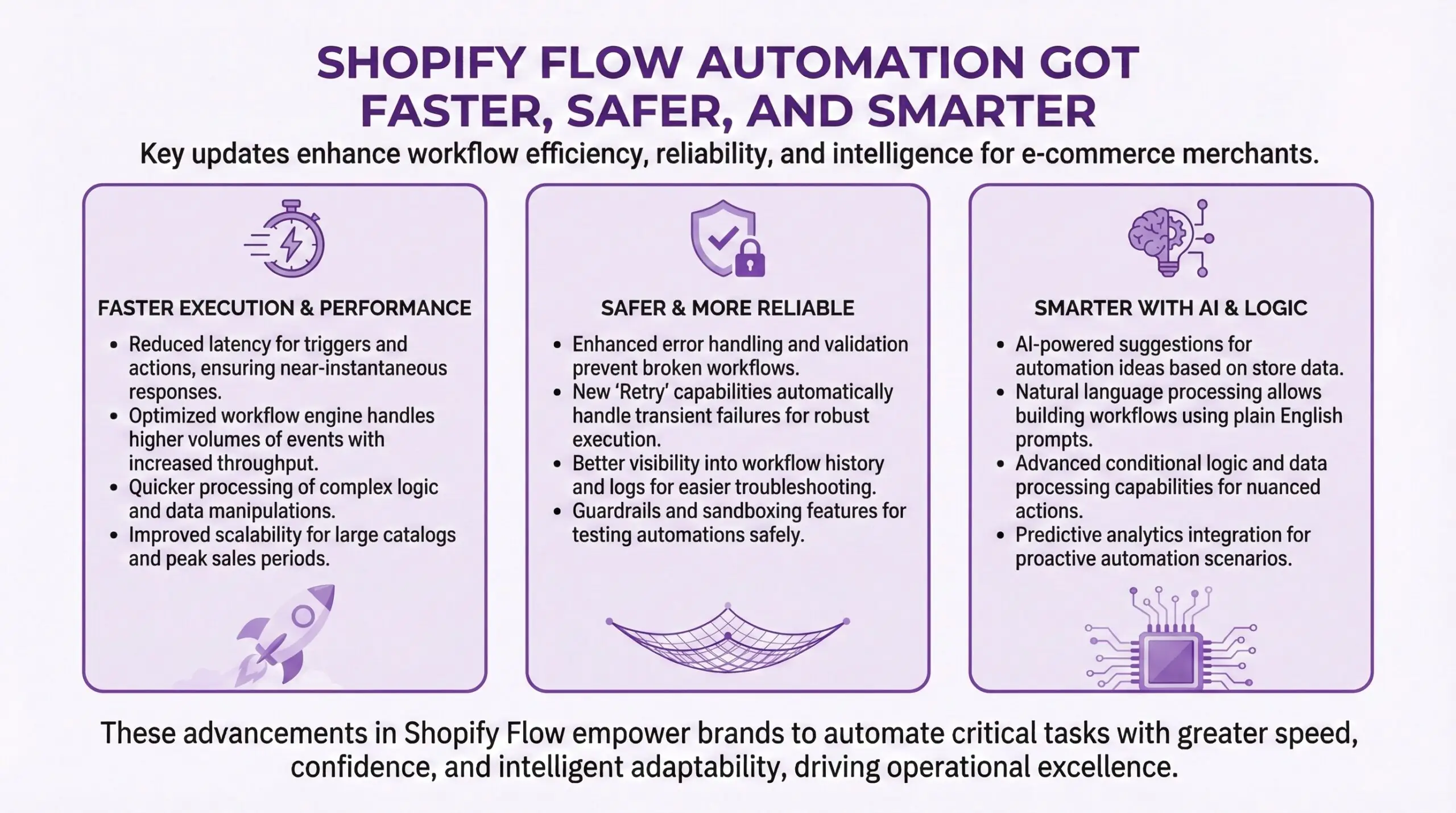
Shopify Flow is the automation engine that connects triggers, conditions, and actions across your store. Winter ’26 made it significantly more accessible. The big change is that Sidekick can now build Flow automations from natural language descriptions. You describe what you want. “Email me when inventory drops below 5 for any variant.” “Tag customers who haven’t ordered in 90 days.” Sidekick creates the workflow. You review it, tweak if needed, activate. What used to take 30 minutes of clicking through dropdowns can now take three minutes of typing a description. That’s a meaningful productivity gain for merchants who run multiple automations.
The new test run feature lets you preview exactly what a workflow will do before activating it. You select sample data, run the preview, and watch the execution path light up step by step. When it reaches an action that would change something like sending an email or updating inventory, it stops and shows you what would have happened without actually doing it. This is huge for debugging complex workflows without risking real orders.
You can now cancel failing workflow runs directly, stopping future actions before they complete. If something goes wrong, you don’t have to wait for the whole mess to play out. The editor got a redesign with a vertical layout that gives you more screen space for building complex automations.
Worth noting: In June 2026, Shopify Functions will replace Scripts entirely. If you’re still running legacy Scripts for checkout customizations, start planning your migration now. Functions execute faster and have better feature parity. The deadline has been extended to June 30, 2026, but don’t wait until the last minute.
Native A/B Testing with Rollouts
This one is exciting if you’ve been paying for third-party testing tools. Shopify Rollouts brings native A/B testing for themes directly into the admin. You can schedule theme changes and run split tests without external scripts, plugin conflicts, or additional costs. The companion tool is SimGym, a new app that simulates shopper behavior using AI agents trained on data from billions of Shopify transactions. You can test how changes might affect conversion, add-to-cart rates, and average cart value before real customers see them.
Caveats: Rollouts appears to be rolling out gradually, and the full feature set may initially be more accessible on Plus. SimGym is in AI Research Preview, which means it’s new and the predictions reflect generalized shopping behavior rather than your specific customer base. Use it for early signals, not gospel truth.
Why this matters: Testing used to require either expensive tools or risky “launch and pray” approaches. Native experimentation lowers the barrier to data-driven decision making. Even simple tests like comparing two homepage layouts can reveal surprising insights about what your customers actually respond to.
Online Store Improvements
Beyond the AI features, there are practical updates for managing your storefront.
2,048 variants per product. The old limit was 100, which forced merchants with complex products like apparel with many size and color combinations, or configurable goods to use workarounds. The new limit is 2,048, which should cover most catalogs.
Unlisted product status. You can now hide products from search results and collections while keeping them accessible via direct URL. Useful for private launches, influencer-specific offers, B2B catalogs, or any situation where you want controlled access without full visibility.
Collections improvements. Smart collections now support exclusion logic, not just inclusion. You can duplicate collections more easily. These sound minor but they reduce friction for merchants managing complex catalogs.
Theme editor resource management. You can now edit products, collections, markets, and metafields directly in the theme editor without leaving your workflow. Less context switching means faster iteration.
250+ Horizon theme improvements. If you’re using one of Shopify’s Horizon themes, you get new animations, interactive sections, and better performance out of the box.
Shopify Agentic Commerce and AI Assistant Shopping
Ok this is the part that’s going to sound a bit like science fiction but is actually shipping. Shopify Agentic Storefronts let you syndicate your product catalog to AI chat platforms like ChatGPT, Microsoft Copilot, and Perplexity. Customers can discover and purchase your products directly inside AI conversations without ever visiting your website. You set up your data once in Shopify, configure how your brand appears, and the platform handles making your products discoverable across AI interfaces. More platforms are coming soon.
Is this relevant for you right now?
Honestly, probably not as a primary channel. AI-assisted shopping is still emerging, and most of your customers are still finding you through traditional search, social, and direct traffic. But Shopify is building the infrastructure now so merchants are ready when the behavior shift happens. The Shopify Product Network is related. It lets you fill catalog gaps by instantly surfacing products from other Shopify brands in your search results, collections, emails, and post-purchase pages. You earn a commission on sales. This is US-only for now.
Think of it this way. Customer searches for something you don’t stock. Instead of bouncing, they see a relevant product from another brand, purchase through your checkout, and you earn a commission. Everyone wins except the customer’s wallet.
Operational Improvements
Less flashy but equally important for day-to-day operations.
Flexible inventory transfers. You can now receive items from unspecified locations, edit shipments in transit, and handle more real-world inventory scenarios that don’t fit neatly into the old model.
Quick sale in mobile app. Sell in person instantly using Tap to Pay or payment links right from the Shopify mobile app. Useful for pop-ups, markets, or situations where you don’t have full POS hardware.
Apple Watch updates. Monitor key metrics from your wrist with redesigned widgets. Not essential, but convenient if you’re the kind of merchant who checks stats obsessively.
AI-enhanced chargeback management. Dispute summaries are now auto-generated with relevant evidence like delivery tracking and your policies. Chargebacks are a pain. Anything that reduces the manual work is welcome.
Analytics improvements. Heatmaps for visualizing data across two variables, like sales by hour and day of week. Minute-level precision for tracking flash sales. Bot filtering for more accurate conversion data. Inventory history without the 180-day cap.
What You Can Probably Ignore (For Now)
Not everything in Winter ’26 is relevant for growing merchants.
POS Hub. The new hardware that connects retail equipment to Shopify POS. Important if you have physical retail, but if you’re online-only, this doesn’t apply.
Enterprise-grade ERP and EDI integrations. If you don’t know what these acronyms mean, you don’t need them yet.
Most of the developer-focused updates. Shopify Functions, Dev MCP, Storefront MCP, Tangle, enhanced metaobjects. These matter for agencies and developers building custom solutions. They’re invisible to merchants using standard features.
Tinker app. A new app consolidating premium AI tools. It’s launching in early 2026 and the details are still sparse. Wait and see.
What Should Retailers Actually Do?
Here’s my practical advice for merchants trying to make sense of all this.
Start with Sidekick. If you haven’t used it recently, open it up and try building a Flow automation with natural language. Try asking it to analyze your store performance. Try editing a theme element through conversation. Get a feel for what it can and can’t do well. The learning curve is low and the potential time savings are real.
Enable Shop Pay if you haven’t. The conversion data is too strong to ignore. If you’re processing payments through Shopify Payments, Shop Pay should be active.
Experiment with one A/B test. When Rollouts becomes available on your plan, run a simple test. Compare two homepage layouts or two versions of a product page. Start building the muscle for data-driven optimization.
Review your Flow automations. With the new testing and preview features, now is a good time to audit your existing workflows. Test them properly. Cancel any that are behaving unexpectedly. Consider what new automations might be valuable.
Plan your Scripts migration. If you have legacy Scripts running for checkout logic, start working on the Functions migration before June 2026. Don’t wait.

Getting Expert Agency Help With Implementation
Look. These features are accessible for most merchants to implement themselves, especially the Sidekick and Flow improvements. But. If you’re looking at more complex projects like international expansion, B2B setup, or serious-significant theme customizations, working with an experienced expert agency can save you a lot of trial and error.
That’s what Bold Match does. We connect Shopify merchants with vetted partner agencies who specialize in exactly the kind of work you need. Free, no commissions, no pressure. If Winter ’26 has you thinking about bigger changes for your store, we can help you find the right partner to make it happen. Alright, that’s the overview. The indoor skate parks in Winnipeg are calling, since the outdoor concrete is officially too frozen until spring. So. Stay warm out there and remember to always make your tech stack work smarter, not harder! – Eric B
Frequently Asked Questions (FAQ)
When did the Shopify Winter ’26 Edition launch?Shopify officially announced the Winter ’26 Edition (The RenAIssance) on December 17, 2025. Most features are available immediately, though some like Rollouts and SimGym are rolling out gradually or are in preview status. The Scripts to Functions migration deadline is June 30, 2026.
Do I need Shopify+ to use the new Sidekick features?
Most Sidekick features are available across all Shopify plans. The AI-powered theme editing, Flow automation building, and analytics generation work on standard Shopify. That said. Some advanced features like ACH payments for B2B and certain checkout customizations remain Shopify Plus-exclusive.
How do I enable Shop Pay for my store?
Shop Pay is included free when you set up Shopify Payments. Go to Settings, then Payments, then Shopify Payments. Once enabled, Shop Pay automatically appears as a checkout option for customers with Shop accounts. No additional configuration needed.
What’s the difference between Sidekick Pulse and regular Sidekick?
The distinction’s pretty interesting. You see. Regular Sidekick responds when you ask questions. Sidekick Pulse works in the background analyzing your store data and market trends, then proactively surfaces recommendations and opportunities without you having to ask. Think of it as the difference between on-demand help and a business advisor who notices things you might miss.
Is Agentic Commerce something I need to implement immediately?
For most growing e-commerce retailers, the answer’s probably … NO. Agentic Storefronts represent where online shopping is heading, but the volume of purchases happening inside AI chat interfaces is still small (more minuscule) compared to traditional channels. Enable it if setup is quick and easy, but don’t restructure your strategy around it yet.
What happened to the old 100 variant limit per product?
It’s been replaced with a 2,048 variant limit. If you have existing products that were constrained by the old limit, you can now add more variants directly. This is particularly helpful for apparel, configurable products, and any catalog with complex product matrices.
How does the Shopify Product Network work?
When enabled, Shopify can surface products from other participating brands in your search results, collections, and post-purchase pages to fill gaps in your catalog. If a customer purchases one of these products through your checkout, you earn a commission. It’s currently US-only and opt-in.